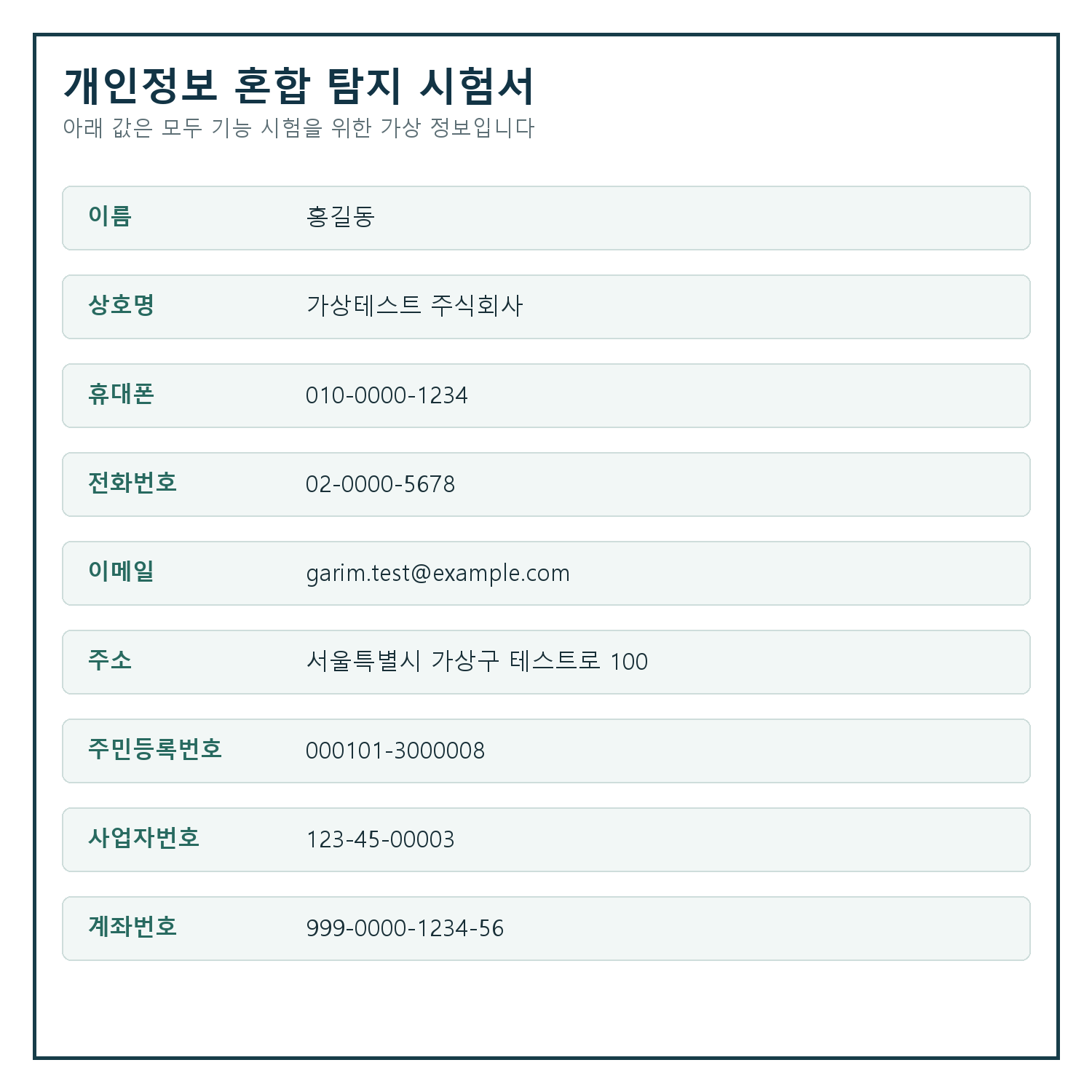
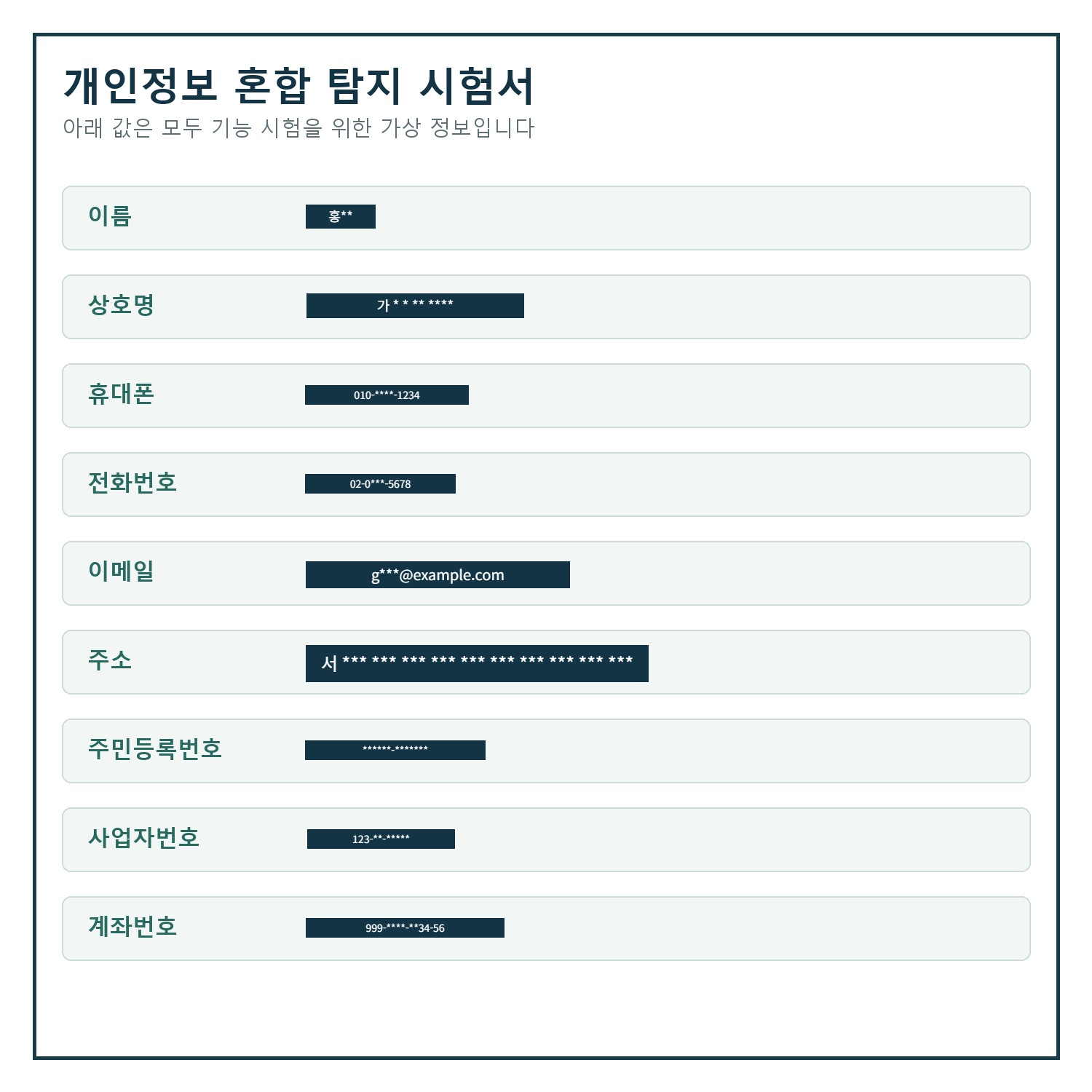
Methods, results and limits from synthetic business card, low-quality photo, PDF and office document tests. Every identifier shown is synthetic and does not belong to a real person.
Each record states the input condition, expected values, an observed failure or correction, and the final verification step. We do not claim that synthetic test data is a real customer case.
Observed workflow
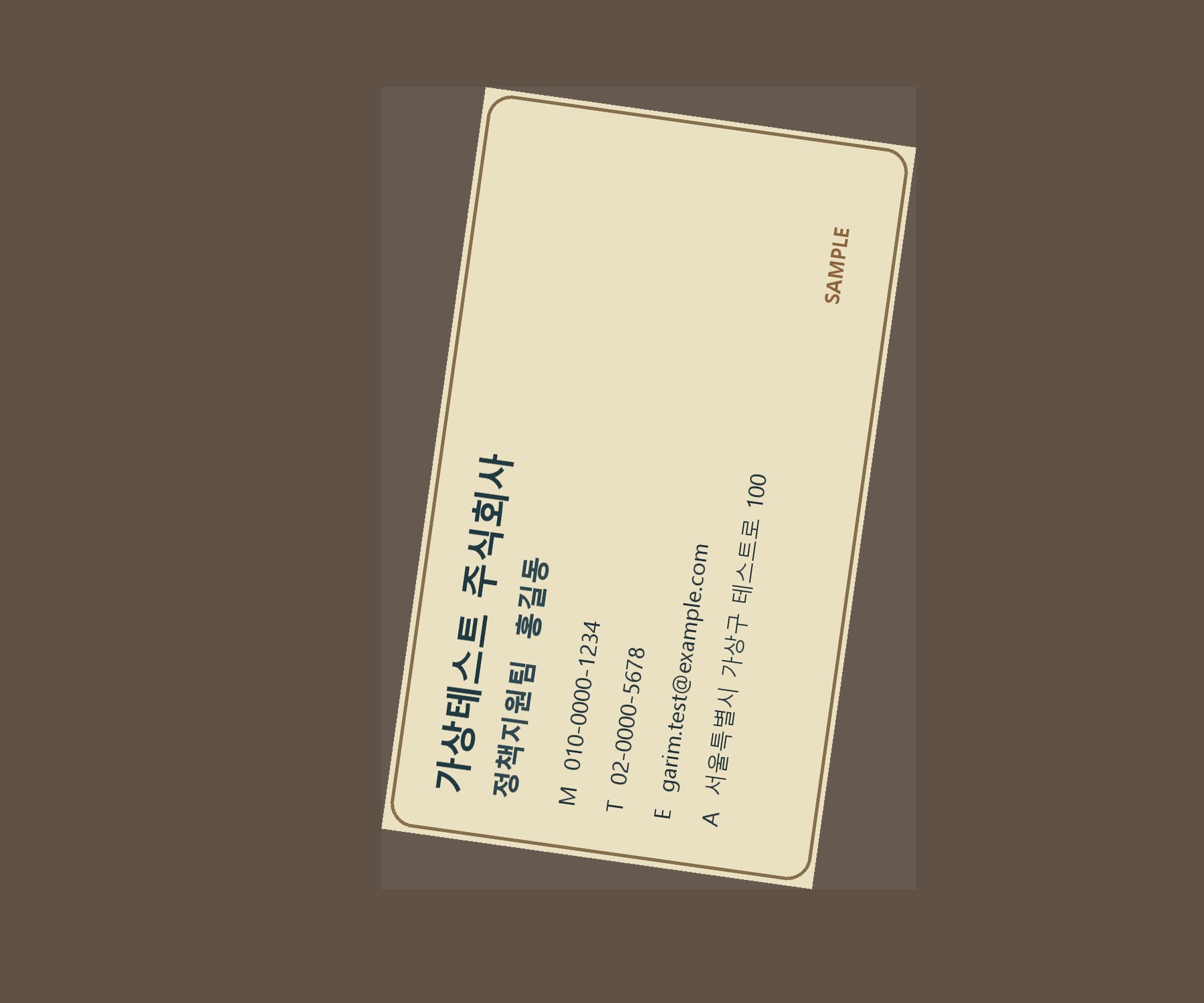
Rotated and skewed business card OCR test
An observed test of names, company details, phone numbers, email and address on a synthetic card rotated about 90 degrees.
시험일 2026-10-06입력 회전·원근 왜곡 JPG기대값 6개판정 회전 보정 후 검토
Synthetic fixture. It contains no real customer data.
Why we ran this test
Business card photos are often captured at an angle or saved without reliable orientation metadata. Short Korean names and vertically arranged contact details are especially easy for OCR to misread. We reproduced that condition with synthetic data only.
Method
Upload without correcting orientation
The input retained its near-90-degree rotation and perspective distortion.
Compare six expected values
Name, company, mobile, office phone, email and postal address were checked against a fixed manifest.
Review regions
Each box was enlarged and any missed area could be added manually.
Reopen the result
The downloaded image was checked for visible text outside each mask.
Observation
6expected items90°rotation1manual review
Patterned values such as phone numbers and email were easier to verify after orientation correction. Short names and company text remained more sensitive to logos and surrounding titles, which is why visual review and region editing remain part of the workflow.
Limit
This result does not cover severe glare, occlusion, handwriting or information encoded inside a QR code. Those areas still require a human check.
Observed workflow
Public-site masking test with a synthetic business card
An observed end-to-end test covering automatic detection, one address-region correction, download and reopening of a synthetic business card.
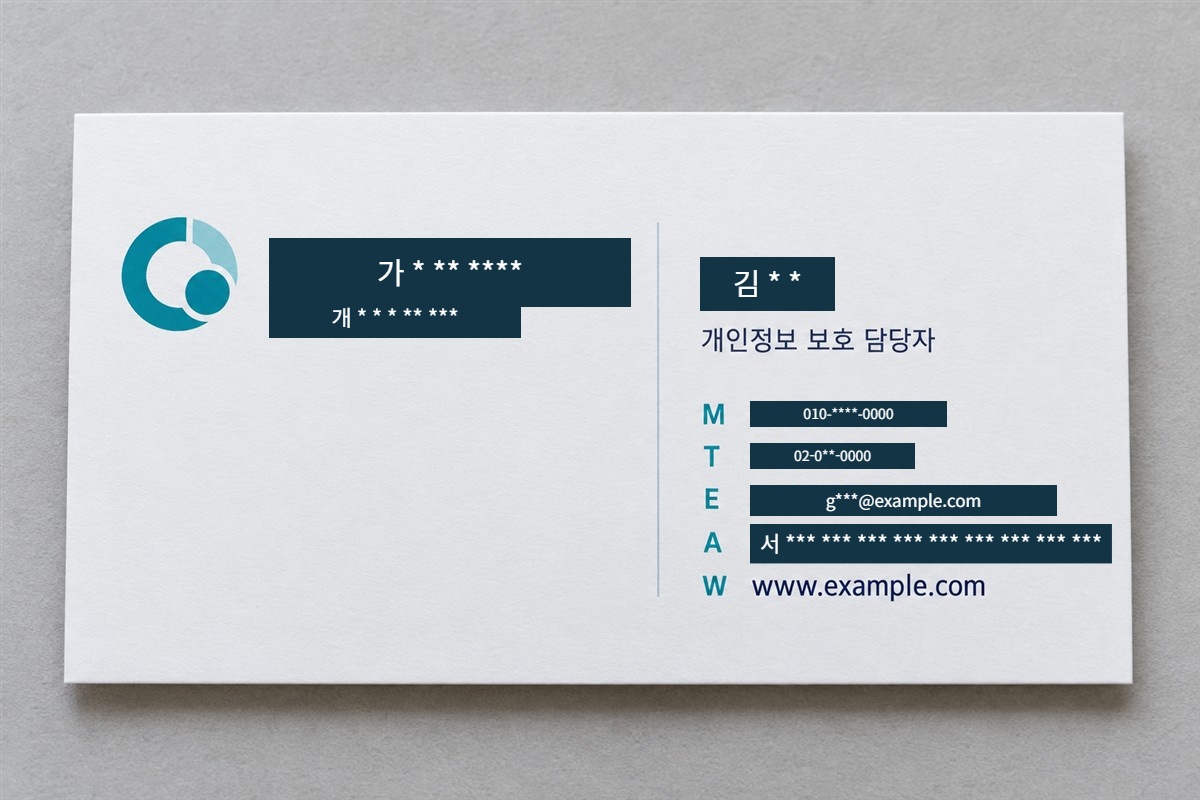
Test date 2026-11-02Input 1200×800 synthetic JPGManual edit 1 address regionResult Download reopened
The source contains synthetic test values only.Downloaded result after extending the address region to cover the final floor text.
We tested the complete public workflow
The card belongs to no real person or company. It contains a synthetic name, company, mobile and office phone numbers, email and street address. The website uses the reserved example.com domain. We followed the same upload, analysis, review and download flow available to any visitor.
Method
Upload the synthetic JPG
A 1200×800 image was selected and analyzed as one file.
Review automatic regions
Name, company, two phone numbers, email and address were compared with the visible source.
Correct the address box
The first preview left the final floor text outside the mask. We returned to the original-and-regions view and extended the right edge.
Download and reopen
The corrected JPG was reopened and checked for source text outside every sensitive region.
After correction, the full street address was covered. Name, phones and email followed the selected partial-mask rule, while the role and www.example.com remained visible.
False positive and limit
The company region also covered the non-personal slogan. This is privacy-safe but removes more information than necessary. Users who want company details to remain visible should delete that region and always inspect text boundaries at high zoom.
Observed workflow
Live retest of a rotated, low-quality business card
A public-tool test documenting automatic detection failure, manual correction and final download for a synthetic card with 17-degree rotation and blur.
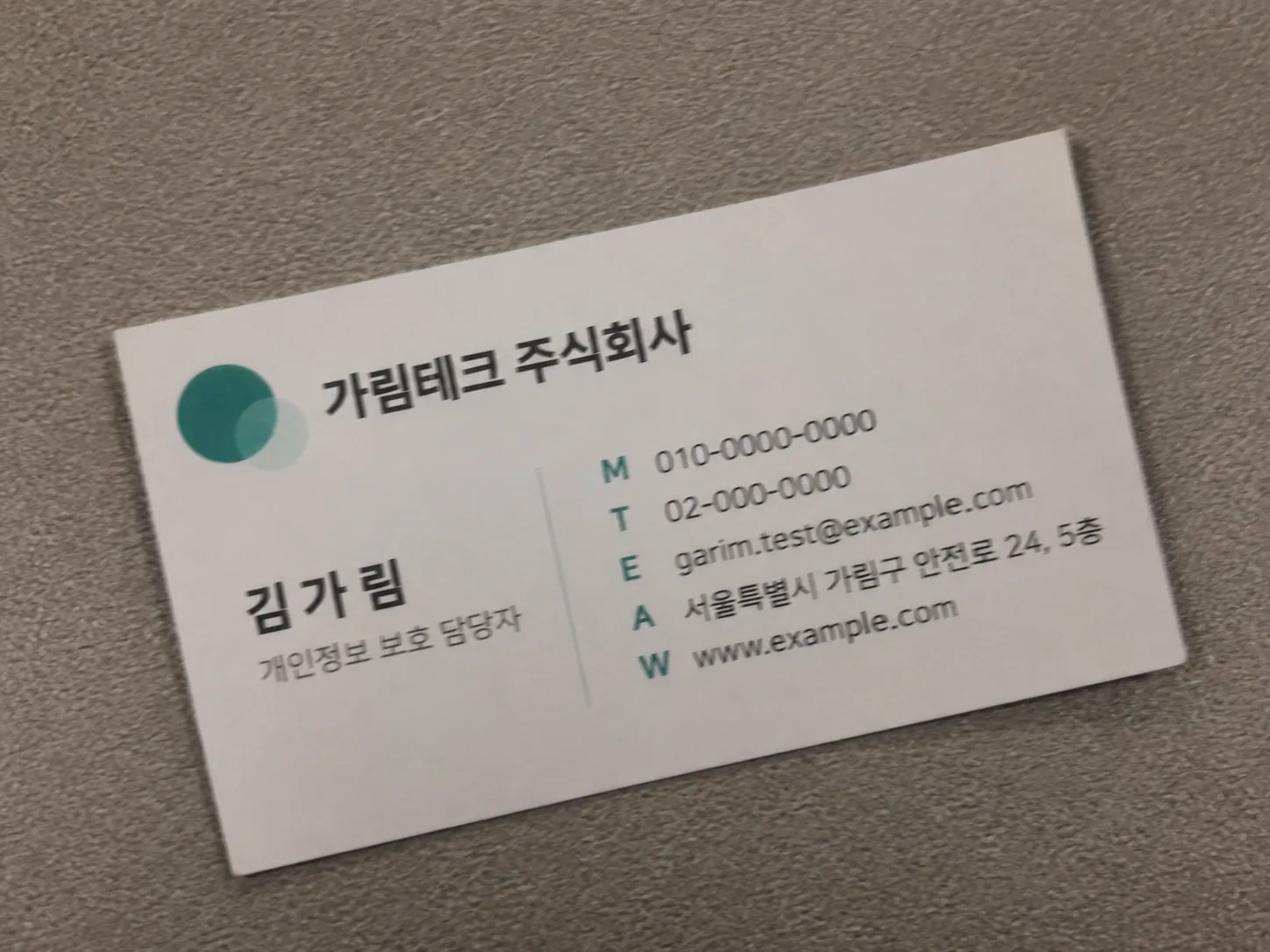
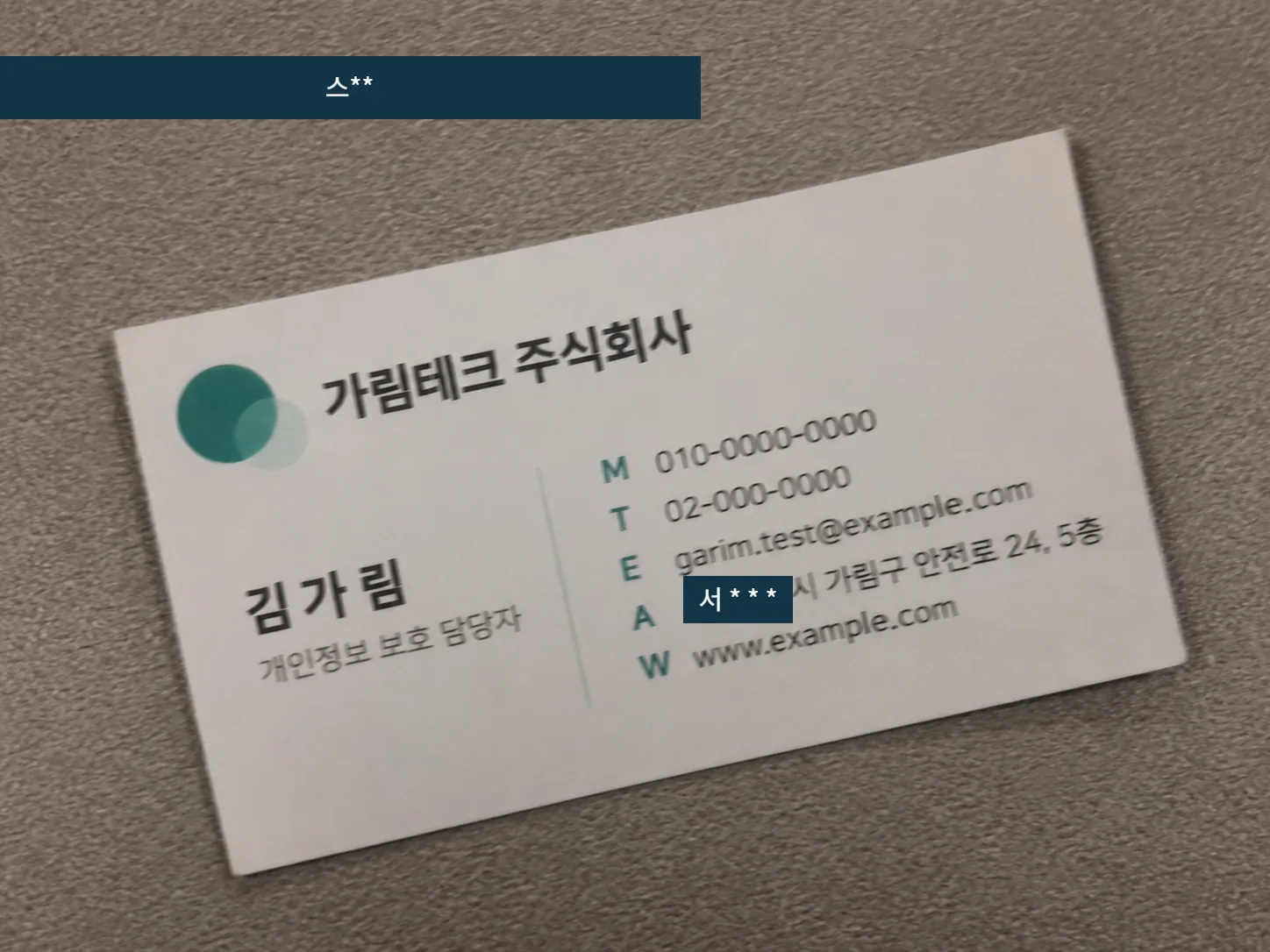
Test date 2026-11-09Input 17° rotation and dim lightAutomatic detection 2 false positivesManual correction 4 regions
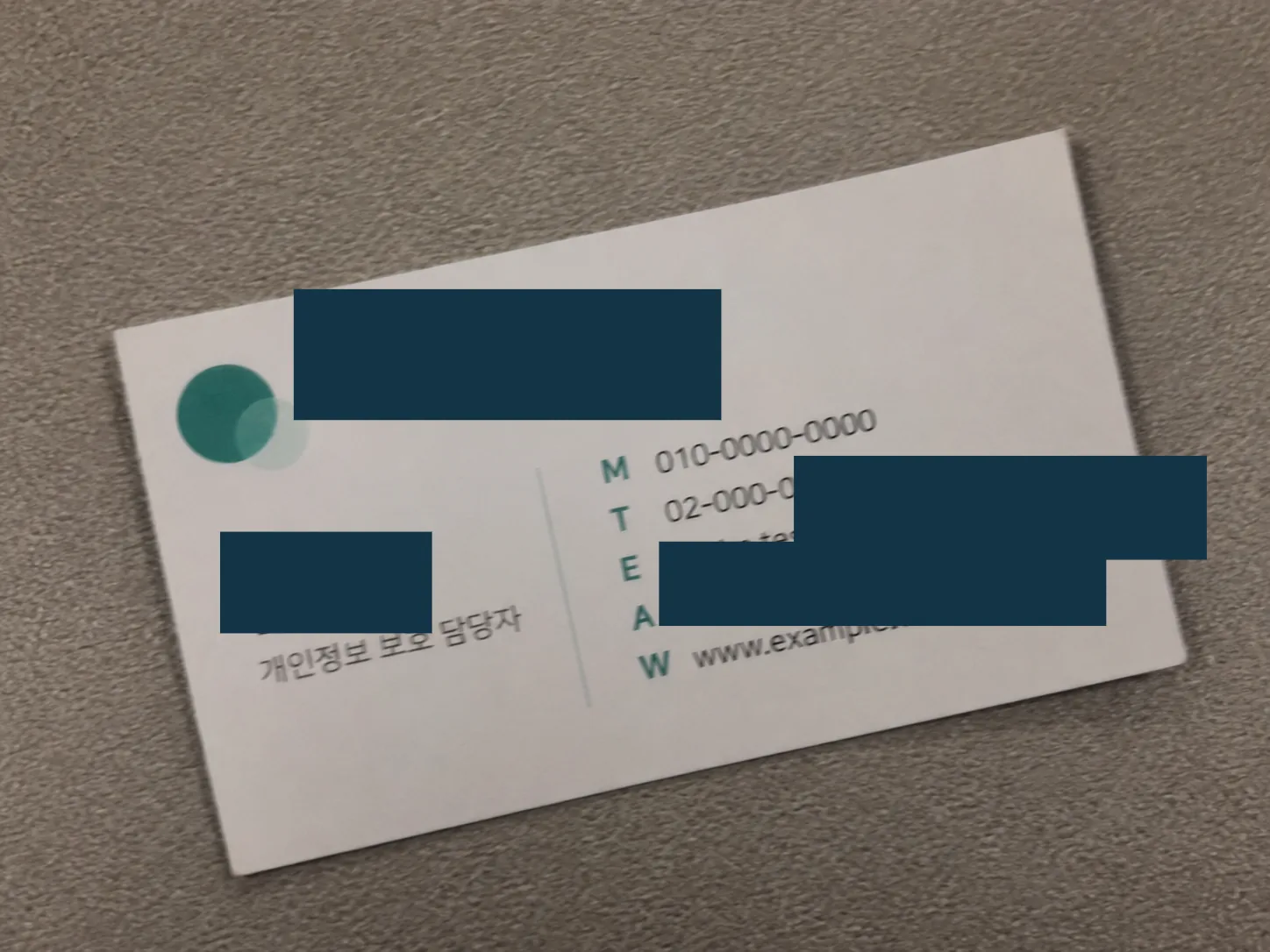
Synthetic source with 17-degree rotation, dim light and mild motion blur.Downloaded result after disabling two false positives and manually adding four regions.
We publish the failed automatic result
The image contains synthetic company, person, phone, email and address data only. It was rotated 17 degrees and degraded with dim light, mild motion blur and perspective distortion.
Automatic result
7expected items2detections0correct
Both detections were OCR false positives. Company, name, two phone numbers, email and full address remained visible, demonstrating why the automatic download was unsafe.
The automatic result masked an unrelated area and part of the address while leaving most identifiers visible.
Manual correction
Disable two false positives
The incorrect regions were removed in review.
Zoom out to inspect the entire card
The complete layout was compared at 50 percent.
Add four missing regions
Company, name, contact details and address were added by dragging over empty areas.
Preview, download and reopen
The PNG passed the built-in safety check and was reopened for visual inspection.
Limit confirmed
Partial rotation combined with blur and small text can defeat Korean OCR even when the text remains human-readable. Low-quality photos require a full visual review and manual regions.
Observed workflow
Low-quality photo privacy detection test
How Garim tests short Korean names and number sequences in a synthetic low-resolution, blurred and noisy photo.
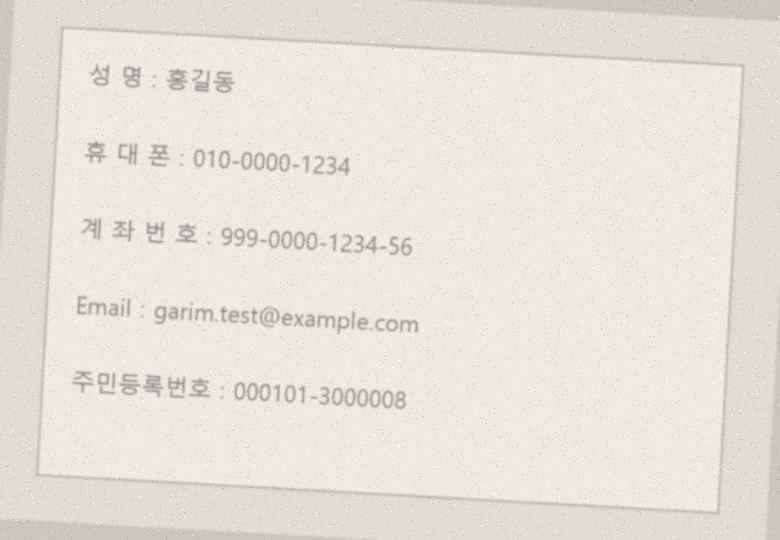
시험일 2026-10-08입력 저해상도·저대비 JPG대상 5개 가상 값회귀 검사 통과
Synthetic fixture. It contains no real customer data.
Problem reproduced
Low-quality OCR can replace characters in a short Korean name or split labels such as account number. A bare number sequence can also look like a phone number, so surrounding labels matter.
Fixture and criteria
The synthetic image contains five expected values: a name, mobile number, account number, email and personal ID. Resolution, contrast, blur and noise were deliberately degraded. Detection uses both the value pattern and nearby context.
Regression result
5expected values4degradationsPassname recovery
After adding Korean name candidate correction and spaced-label normalization, the dedicated low-quality name regression passed on October 19, 2026. It now runs whenever detector rules change.
Limit
No algorithm can restore letter strokes that are absent from the source pixels. Use a clearer original or draw the region manually when the preview remains uncertain.
Observed workflow
Six-page scanned PDF masking test
An end-to-end masking test for a six-page PDF containing rotation, low contrast and table layouts.
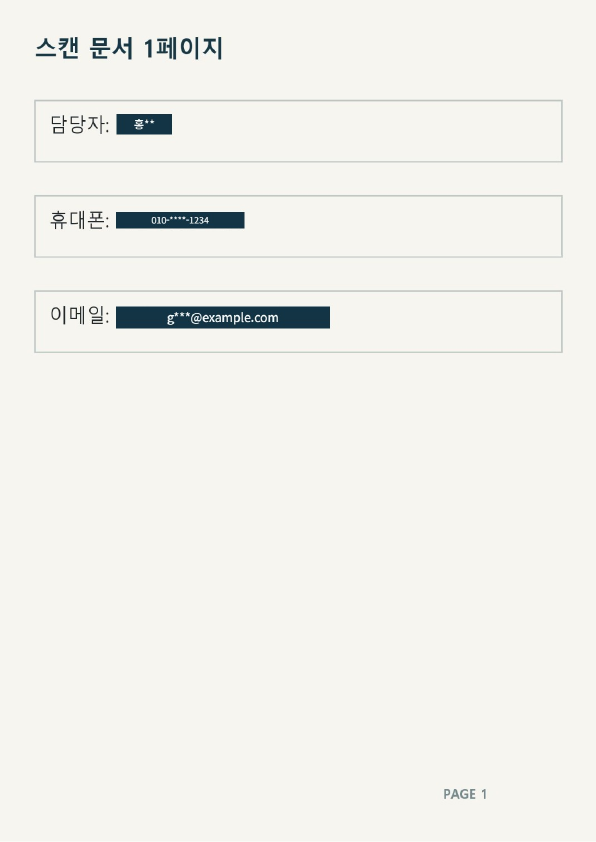
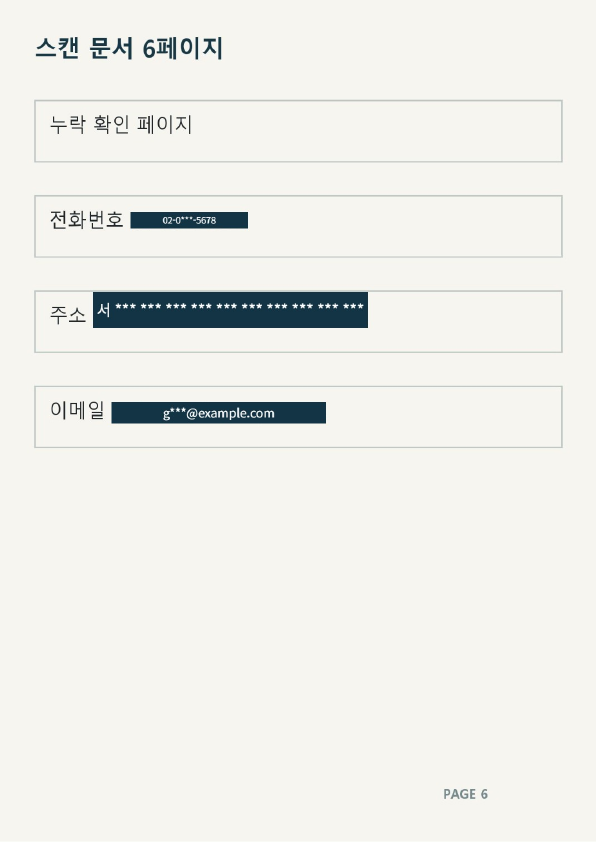
시험일 2026-10-06페이지 6쪽탐지 17건결과 6쪽 재열기 성공
Synthetic fixture. It contains no real customer data.Verified output or comparison page generated from synthetic data.
Fixture
The six-page synthetic PDF mixes normal scans, a 90-degree page, low contrast and a table layout. Test values span the supported Korean privacy categories so a first-page-only failure would be visible.
End-to-end result
6pages retained17regions1rotation corrected
All six pages appeared in review.
Orientation and mask coordinates stayed aligned.
The result reopened and rendered back to six PNG pages.
Text-layer and mask pixels were inspected.
The PDF remained present in the four-file ZIP.
Practical check
Matching page counts do not rule out annotations, attachments or hidden text. Reopen the result in another PDF viewer and test search, copy and zoom before external sharing.
Performance context
A one-time local run of a roughly 1.1 MB ten-page image PDF took about 25 seconds. Hardware, browser and OCR cache change this result, so it is not a performance guarantee.
Observed workflow
Complex DOCX and HWPX structure test
A document structure test covering tables, headers, footers, notes, split runs and embedded images.
시험일 2026-10-06형식 DOCX·HWPX구조 본문 외 6종잔존 검사 원문 미검출
Synthetic fixture. It contains no real customer data.Verified output or comparison page generated from synthetic data.
Why body text is not enough
Word-processing files store text in tables, headers, footers, footnotes, endnotes and embedded images. A single value can also be split across multiple text runs, so plain string replacement is insufficient.
DOCX scope
Body paragraphsTable cellsHeaders and footersFootnotes and endnotesSplit phone numberEmbedded image OCR
The result package was reopened, synthetic source identifiers were searched in XML, and the embedded image was inspected separately.
HWPX and legacy HWP
HWPX checks covered nine privacy categories inside its XML package. A legacy HWP fixture covered four values in a 2×2 table and was reopened after saving. A legacy file that cannot be rewritten safely is stopped instead of being partially processed.
Result
9HWPX types4HWP table values0source IDs in XML
DOCX and HWPX outputs reopened with required package structures intact. The document-context and legacy-HWP regression groups both passed.
Final review
Text boxes, shapes, encryption, external links and proprietary objects vary by file. Open the result in its original editor and inspect tables, notes and images before sharing.
How to read these results
A passed fixture demonstrates the documented condition only. It cannot guarantee perfect automatic detection for every real document, so the downloaded result still requires review.